How to Transcribe Audio: A Complete Beginner's Guide
Learn how to transcribe audio efficiently using AI tools, from file preparation to mode selection to result export.

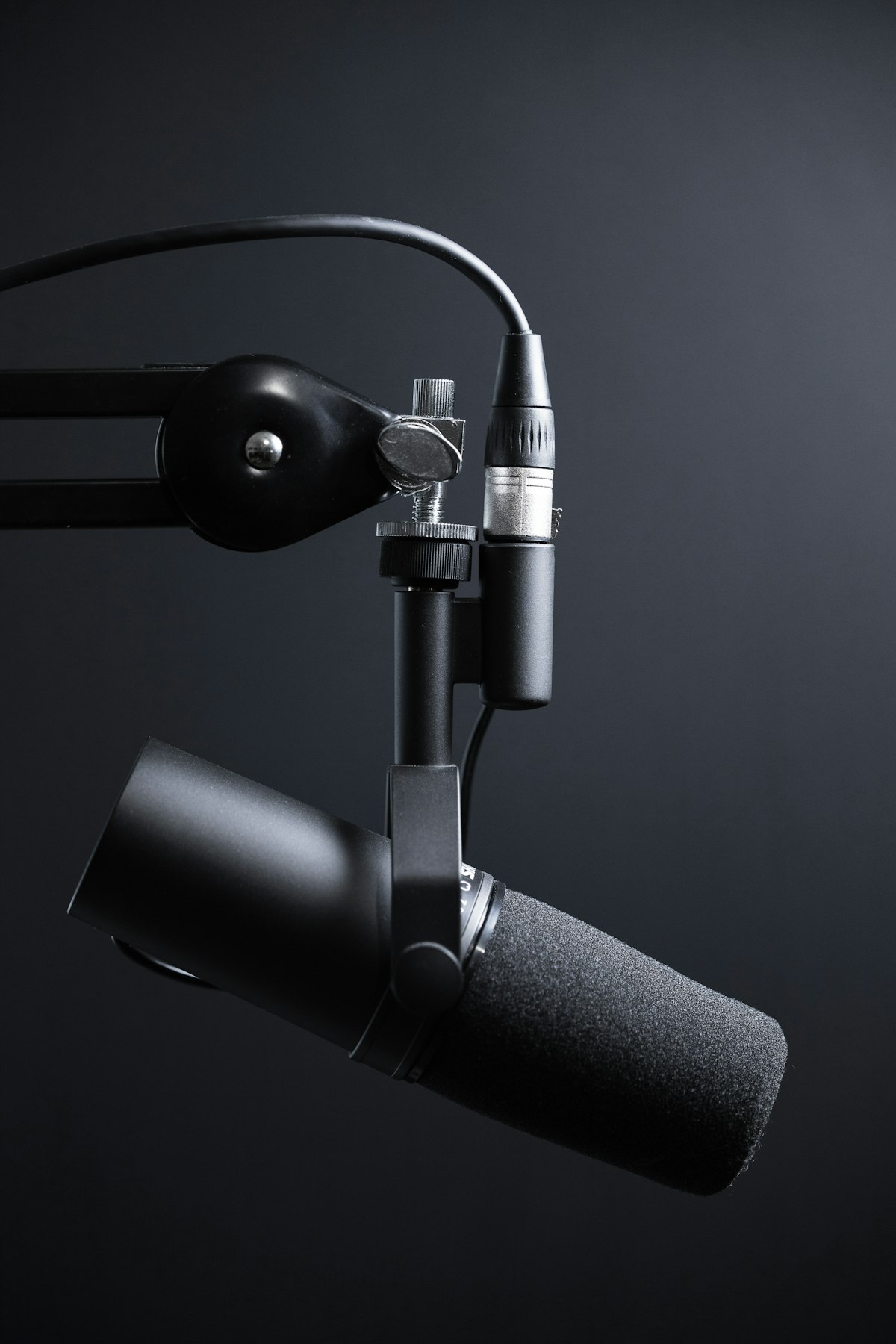
Whether you're a podcaster, journalist, or student, converting audio to text quickly is a frequent need. This tutorial walks you through the complete AI transcription workflow.
What is AI Audio Transcription
AI transcription uses deep learning models to map speech signals to text sequences. Compared to manual transcription, AI offers:
- Speed: 1 hour of audio in minutes
- Low cost: 90%+ cheaper than human services
- Multilingual: A single model supports 134+ languages
Prepare Your Audio File
Transcription quality depends directly on source audio quality. Follow these guidelines:
- Sample rate at least 16 kHz
- Use lossless or high-bitrate formats (WAV / FLAC / 320kbps MP3)
- Avoid clipping and excessive reverb
Choose the Right Mode
WuZhiZuo offers three Whisper modes:
# Cheetah - best for real-time meetings
mode = "cheetah"

# Dolphin - balanced everyday use
mode = "dolphin"

# Whale - highest accuracy for complex audio
mode = "whale"
Export and Share
After transcription, choose from TXT, DOCX, SRT, VTT and 3 more formats. SRT/VTT suits subtitles, DOCX is great for editing.
Summary
Master AI transcription with: clean source audio, the right mode, and flexible export formats. Start your first transcription today.
Related posts

The Complete PDF OCR Guide: Make Scanned Documents Searchable
Scanned PDFs can't be edited or searched? This tutorial covers PDF OCR principles, tool selection, and best practices.
7 Practical Tips to Improve Transcription Accuracy
AI transcription accuracy is influenced by audio quality, speaking style, and model choice. Here are 7 proven tips to boost quality significantly.
Best Audio to Text Converters in 2026
Compare WuZhiZuo, Otter, Rev, Sonix and other leading audio-to-text tools across accuracy, pricing, and features to find your best fit.